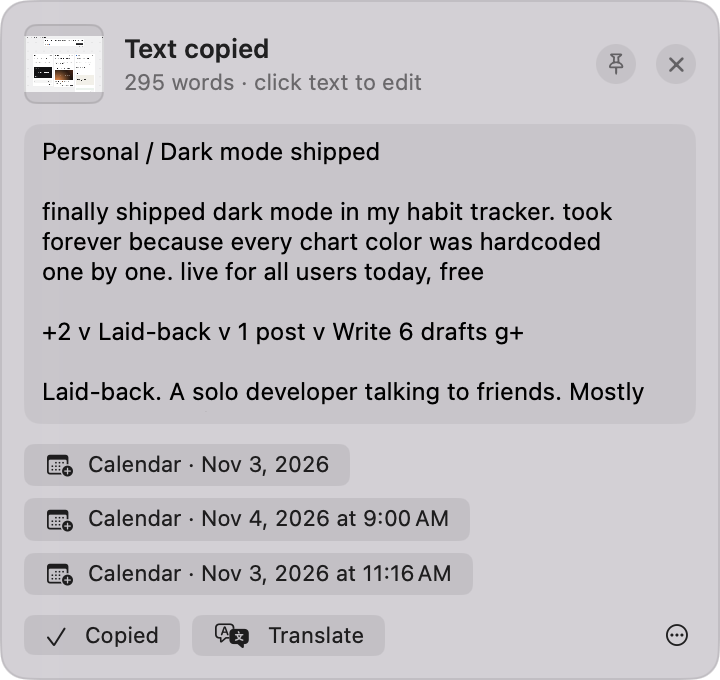
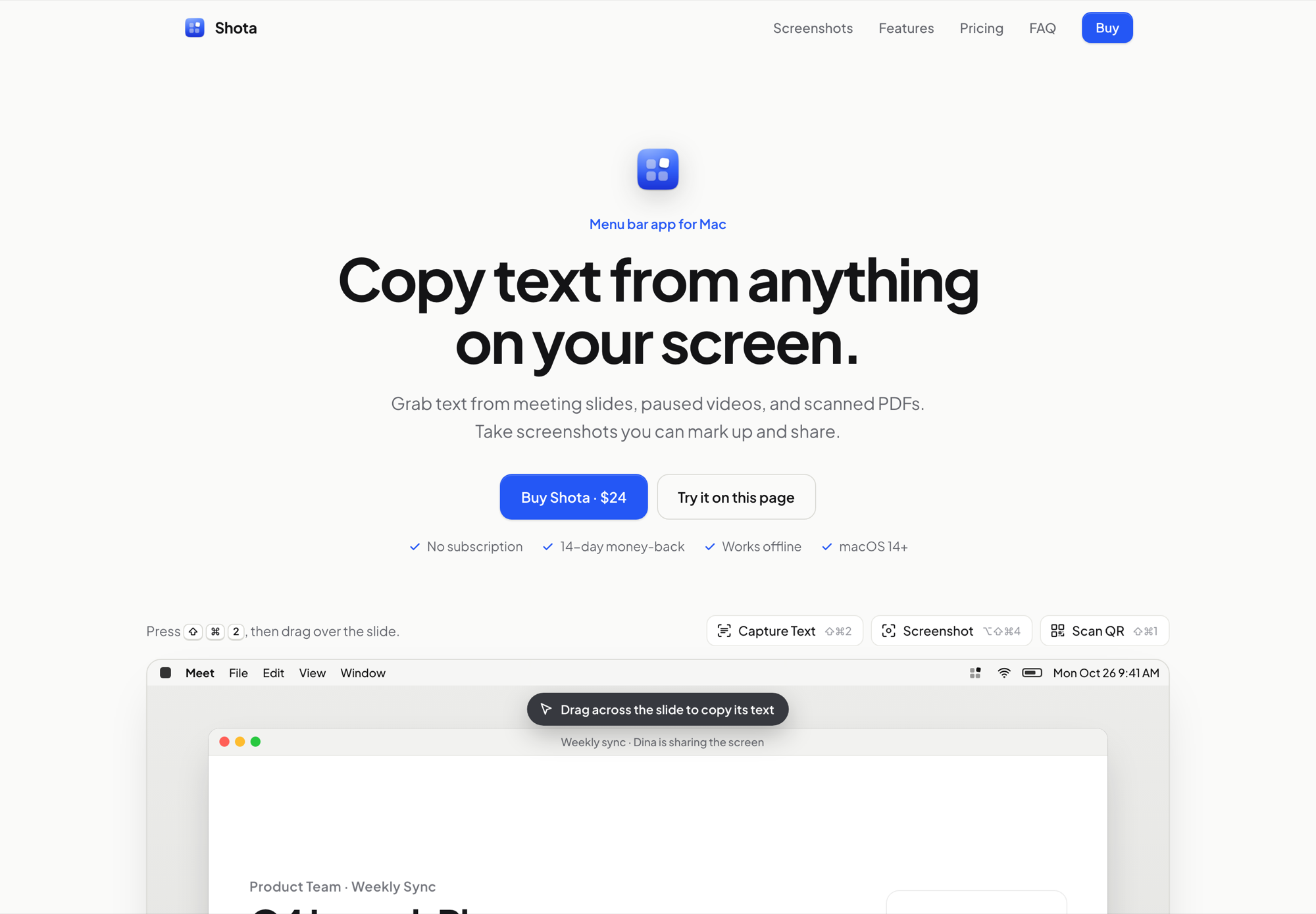
Text on a shared screen, a paused video or a scanned PDF can’t be selected, so it gets retyped by hand. Screenshots have the opposite problem: before you share one, you need to point at the right spot and hide what’s private. Shota does both from the menu bar: press ⇧⌘2 and drag, and the text is on your clipboard.
What it does
Copy text from anything on screen, with or without line breaks, in English, Indonesian and the other languages macOS reads.
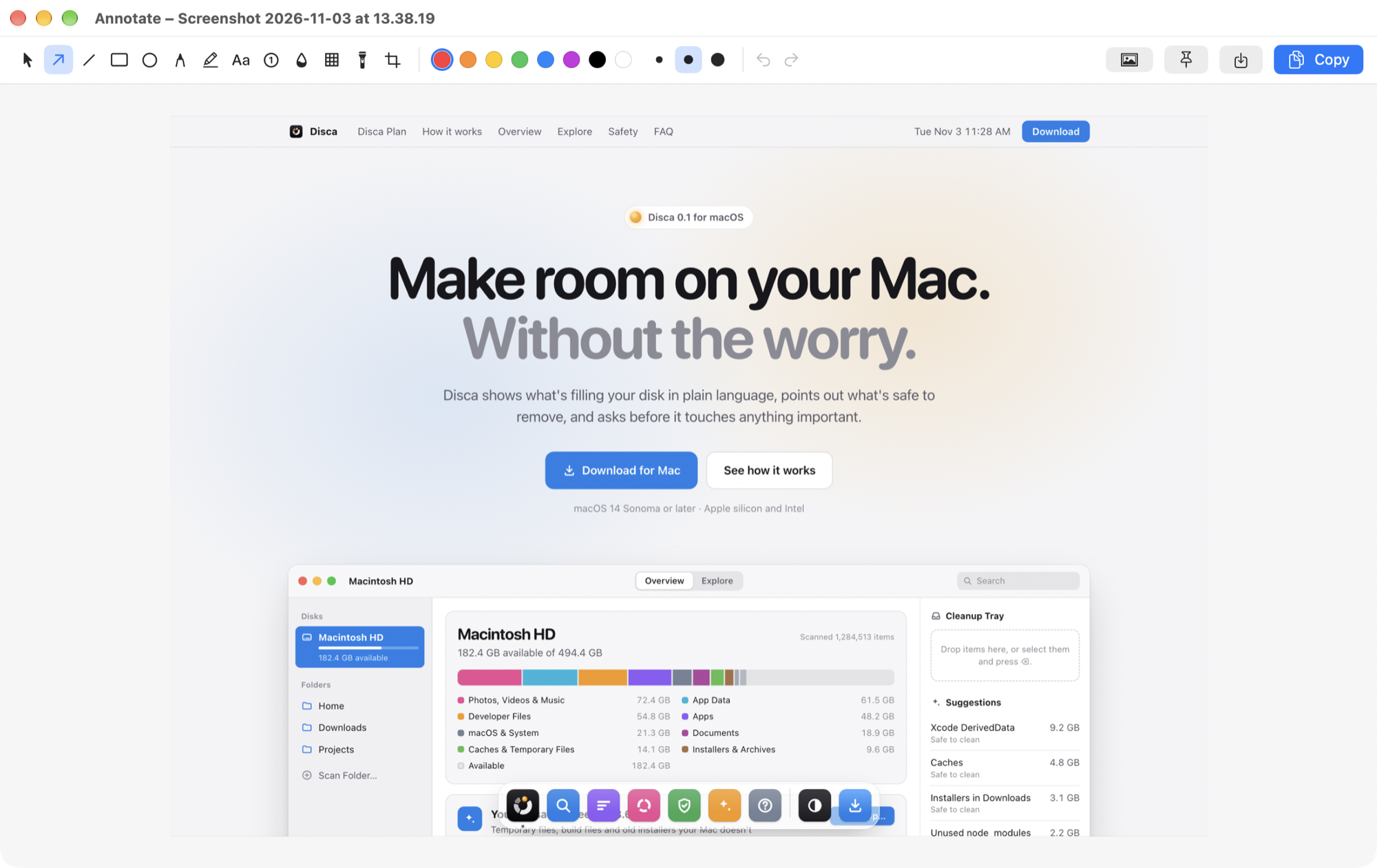
Screenshots you can mark up, with arrows, boxes, numbered steps, blur for private details, and a frame in one click.
Every kind of capture: an area, a window, the full screen, or a scrolling page stitched into one image.
QR codes, translation and pins. Read QR codes, translate between English and Indonesian offline, and pin text or screenshots above every window.
A private history. Every capture stays on your Mac, with no account and no server.
Screens
3 screens
Annotate · Mac AppText from a screenshot · Mac App